Manage your self-hosted game servers in one place, create them in a few clicks and share them with friends. Whoever wants to play simply starts the server themselves, locally or in the cloud – always with the latest state and the same address.
No credit card · Windows 10/11 · free during the test phase
My servers
Survival with friendsMinecraft · Online
Build 42 co-opProject Zomboid · ready
GlobetrottersTerraria · ready
Minecraft · 1.21.4
Survival with friends
Online
survival-freunde.world-sync-play.com
StartCloud startInvite friends
MJLT Lea is hosting · state saved · 4 members
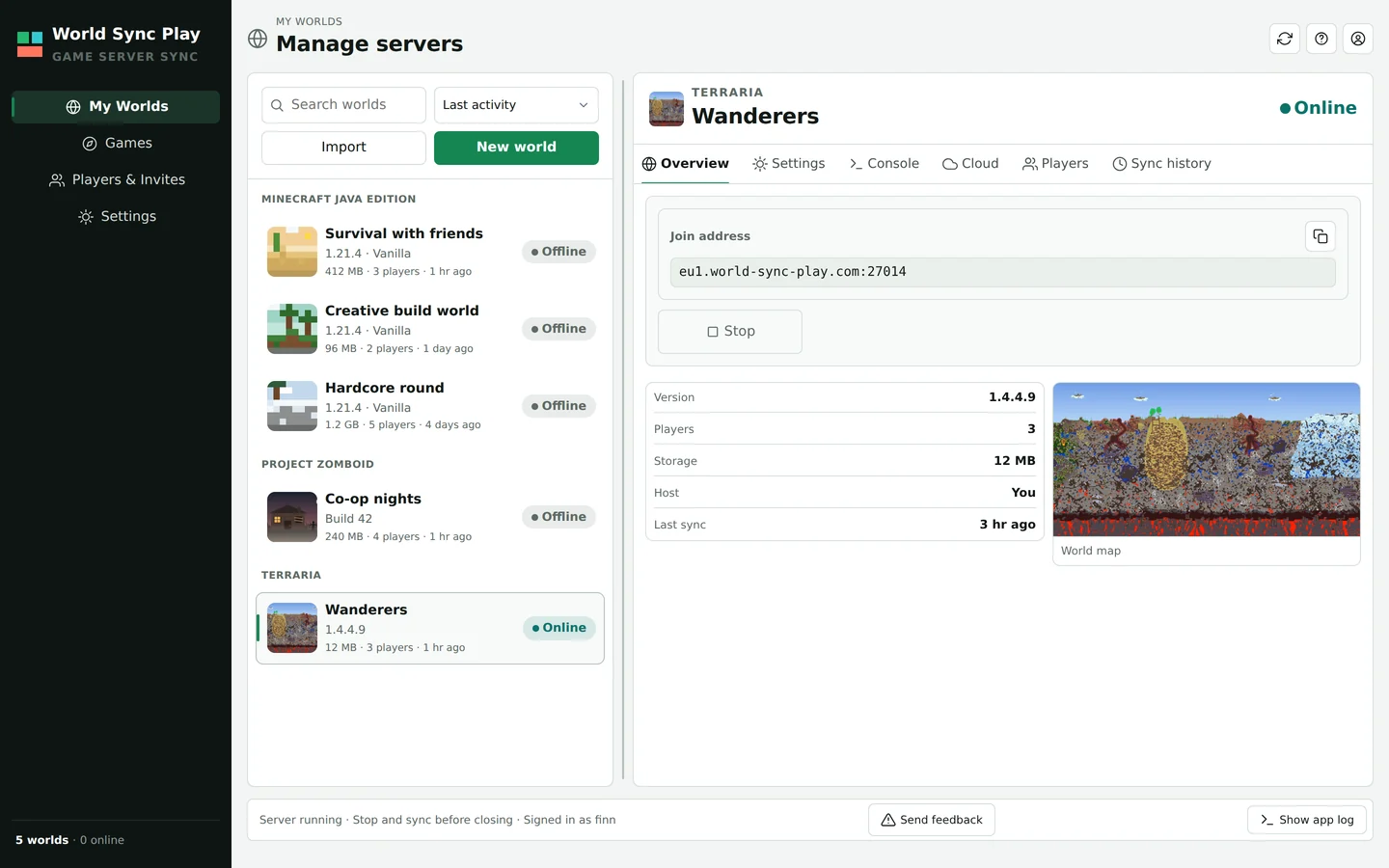
A schematic drawing of the app – the video right below shows the real interface.
In three steps
Your server whenever you want to play
1
Create a server
Pick a game: Minecraft (Vanilla, Paper or a Modrinth modpack), Terraria or Project Zomboid. The app downloads Java, server files and mods.
2
Invite friends
Send an invite link. Everyone connects through the same fixed address – no port forwarding, no router settings.
3
Whoever has time starts it
One click on your own PC. Afterwards the world is saved; next time someone else hosts with the latest state.
Real app, sample data: Jonas hosts and stops, Lea starts the same world with the latest state.
The world travels with you
Whoever has time hosts. Always the same world.
After every session the app uploads the new state and versions it. On the next start the new host fetches the latest state; the address stays the same. If nobody can host, you start a cloud server when needed.
Load world→Host→Save state
Whoever has time hosts – afterwards the saved state travels through the cloud to the next one.
Animation: someone from the group downloads the latest version of the world from the cloud and hosts it on their own PC; the others connect through the fixed address. After the session the new state is saved in the cloud, and next time someone else hosts – with the same address and the latest state.
What the app does for you
Server management you don't have to learn
Everything a rented server, a control panel, a backup script and port forwarding would otherwise do is in one app on your PC.
Servers and mods set themselves up
The app downloads Java, server files and mods itself – including whole Modrinth modpacks and mods from the Steam Workshop.
Anyone may host the shared world
Whoever has time starts it with the latest state. A world lock stops two PCs from starting the same world at once.
Safely versioned, restorable any time
A new, hash-checked state after every session. Older states can be restored.
Play along without the app and without port forwarding
Every world has a fixed address via relay. Players who only join need the game and the address.
More features
Invite link and roles Invite friends with a link. Owners, admins and members get exactly the rights they need.
Stop a server remotely Owners and admins can stop the server another member is hosting. Players are warned first and the world is saved.
Cloud only when needed If nobody can host, the world runs on a cloud server paid from your credit – with costs and remaining time in view.
Games
One app for your game worlds
Syncing the world, switching hosts, connecting through the relay: that applies to every game on this list. Everyone in the group still needs the game itself separately.
Vanilla, Paper or a modpack from Modrinth: the app downloads the server and the mods itself.
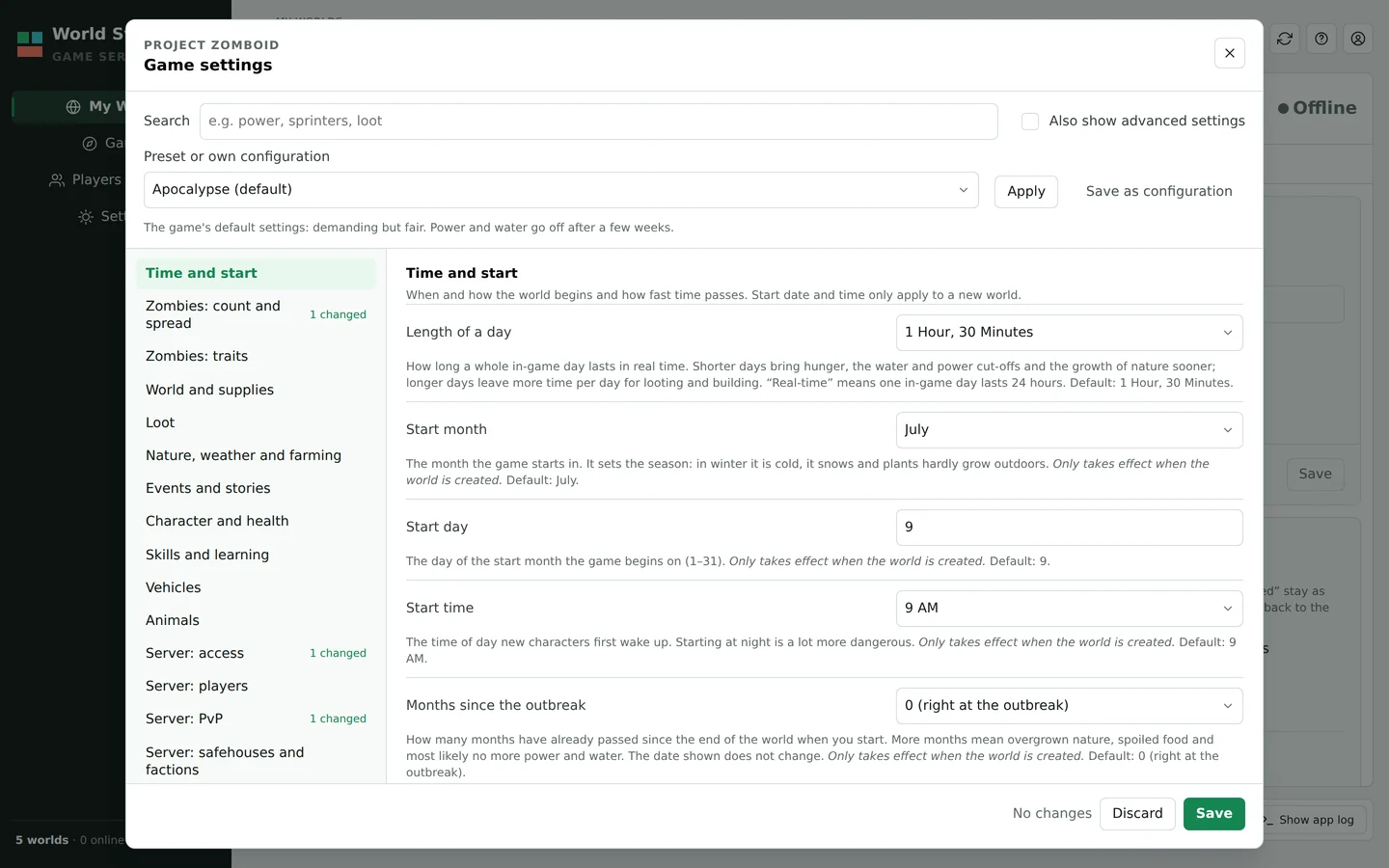
Every setting with an explanation and its default, plus the game's own presets.
An address with port to share and a world map drawn from your world file.
Minecraft Java Edition
Available
The game World Sync Play started with and the one that has been tested most.
Vanilla, Paper or a modpack from Modrinth
Extra mods from a collection, an instance or as your own file
Local, through the relay or in the cloud
Project Zomboid
New in the beta
A dedicated server for Build 42, with an explanation for every setting.
Around 400 server settings, each explained
Mods from the Steam Workshop, also as a collection
Join through the relay, no port forwarding
Terraria
New in the beta
Your world file stays up to date, no matter who starts the server.
The world file is synchronised
Its own port on the relay, no router setup
Saves are versioned, older states can be restored
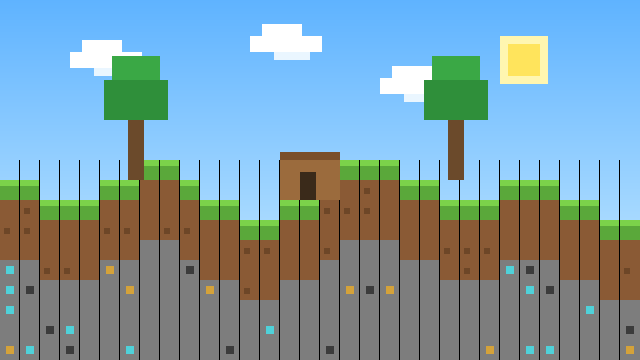
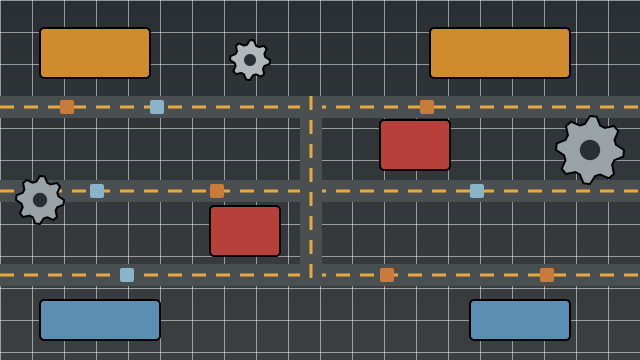
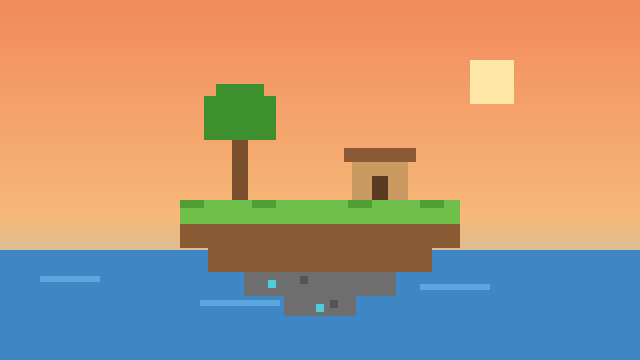
Project Zomboid and Terraria are new and are being tried out with players right now, so expect rough edges there. All game names and trademarks belong to their respective owners; World Sync Play is not affiliated with them and is not endorsed by them. The game images are our own illustrations; the screenshots show the real app with sample data.
The difference
Host it yourself instead of renting a server
How World Sync Play differs from a rented server and from free online hosts – you play on your own PCs, without renting a server permanently.
Question
World Sync Play
Rented server
Free online host
Where does the server run?
On the PC of someone in your group, in the cloud when needed
In the provider's data centre
In the provider's data centre
What does it cost?
Hosting locally costs nothing; cloud only from credit
Monthly rent, even when nobody plays
Nothing, but depending on the provider ads, queues or limits
How much power?
As much as the host's PC delivers
Depending on the plan you book
Limited by the provider
Who starts the server?
Any member with permission, always with the latest state
It runs all the time
Whoever has access, through the website
Where is your world?
With you and saved in the cloud, with older states
On the provider's server
On the provider's server
A general comparison of the kinds of hosting; individual providers differ.
Start for free
The beta is free. Payment isn't possible yet: Plus and Pro can't be booked yet.
After the test phase your account switches to the free plan Free automatically. No subscription starts, and you don't have to cancel anything.
A rented server runs around the clock, even when nobody's playing. World Sync Play syncs your world automatically instead – it's only hosted while you actually play: locally, through Relay or optionally in the cloud.
Does someone from the group always have to be online?
No. Every permitted member can start the world locally. If nobody can or wants to host, a cloud server steps in when needed – here's how that looks.
What is Relay – do I have to configure my router?
No. If a direct connection doesn't work, World Sync Play forwards it automatically through Relay – no port forwarding or router settings.
What does World Sync Play cost – and what happens after the beta?
Nothing during the beta, and paying isn't possible at all yet. After the test phase your account switches to the free plan Free automatically; no subscription starts on its own, and you don't have to cancel anything. Hosting on your own PC needs no credit; a cloud server uses cloud credit by runtime and size. Plans and hourly rates are on the pricing page.
Is World Sync Play publicly available yet?
Not for everyone yet: we're testing in a closed beta. Access is by invitation with an access code: Request beta access or, if you already have a code or an invite, create your account with it. During the test phase you can use the extended early-access limits for free. Plus and Pro only become bookable after the test phase ends; we will tell you about the transition in good time.
Why does Windows show a warning during installation?
The installer is signed with our own certificate ("World Sync Play (Self-Signed Alpha)"). Windows doesn't know this certificate yet, so SmartScreen shows "Windows protected your PC" on the first start. If you downloaded the installer from this site, click "More info" and then "Run anyway". A certificate Windows trusts on its own will follow once the company has been founded.
Closed early access
Ready for your next shared world?
World Sync Play is currently in a closed test phase. Access is by invitation with an access code for now. The test phase is free; Plus and Pro only become bookable after the test phase ends.
No access yet?
Request beta access with the form. We'll send you access codes by email.
Access code or invite?
Create your account with it. An invite link from friends fills in the code for you.
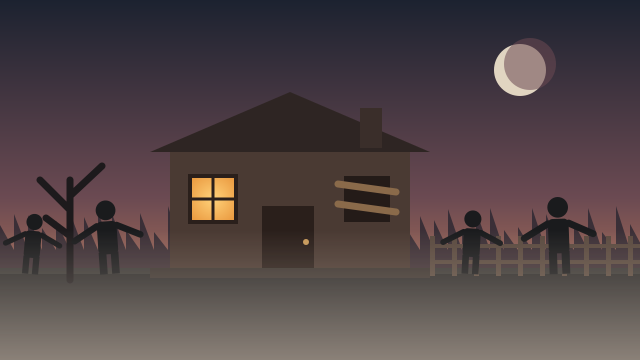 Project Zomboid new
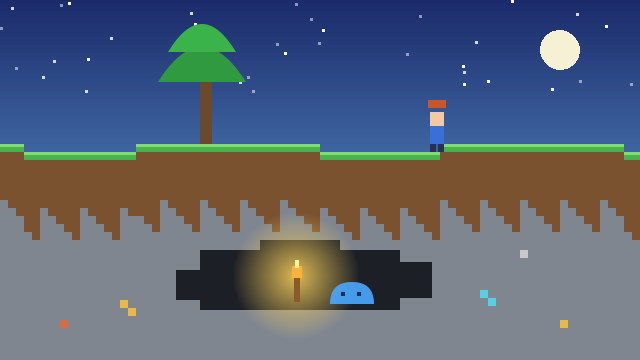 Terraria new
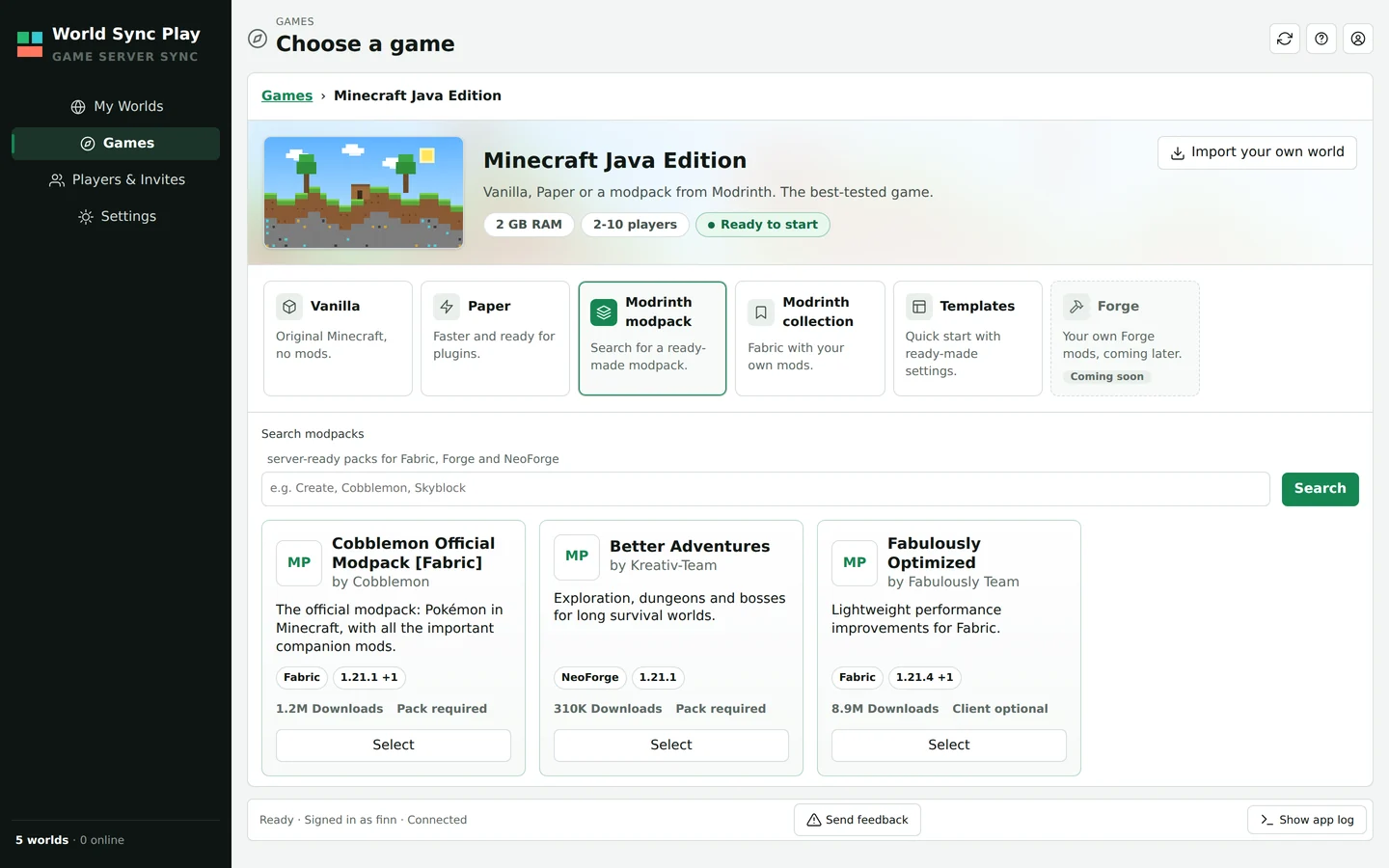
 Minecraft Java Edition
 Factorio in preparation
 Minecraft Bedrock Edition
 Valheim
 Satisfactory
 Palworld
 Enshrouded
 7 Days to Die
 V Rising
 Don't Starve Together
 Core Keeper
 Sons of the Forest
 ARK: Survival Ascended